
6 Best Premiere Pro Alternatives for Editing With AI Agents in 2026
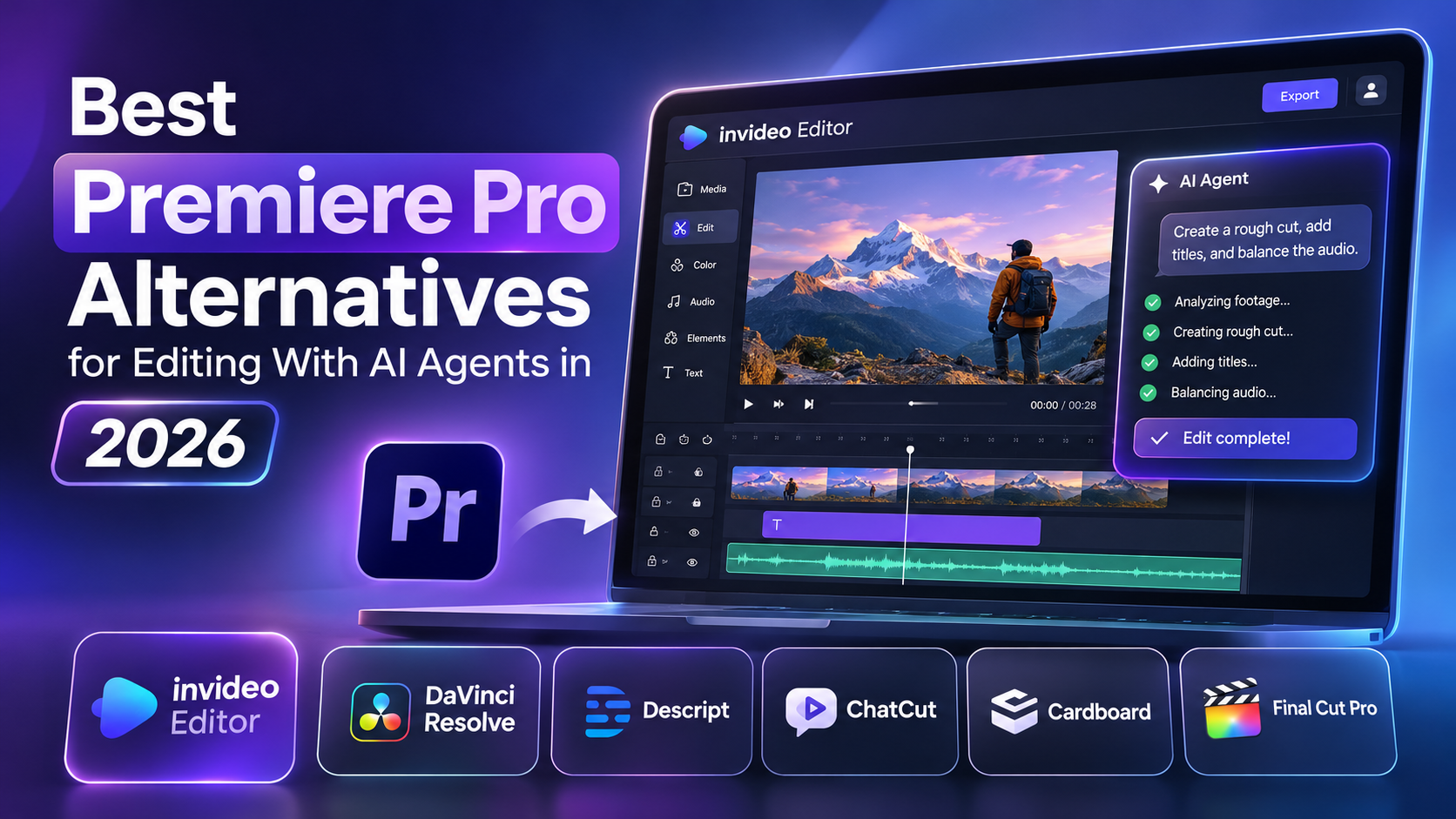
Adobe Premiere Pro has long been a preferred choice for professional video editors, filmmakers, and creative teams. Its multitrack timeline, advanced editing controls, and integration with other Adobe applications make it suitable for everything from social media videos to complex film productions.
However, video editing is changing. AI agents are moving beyond simple features such as automatic captions, background removal, and silence detection. They can now understand editing instructions, work with project files, organize footage, assemble initial cuts, and make changes directly within an editing environment.
This development is creating new options for creators who want to spend less time handling repetitive editing tasks while maintaining control over their projects. Some platforms have built-in AI agents, while others allow external assistants such as ChatGPT, Claude, and Codex to connect through the Model Context Protocol (MCP).
If you are looking for an alternative to Premiere Pro that supports this more interactive approach to editing, several platforms are worth considering. Here are six options, each offering a different balance of AI automation, timeline control, and creative flexibility.
What to Look for in a Video Editor With AI Agents
An AI-powered editing feature and an AI agent are not necessarily the same thing. An individual AI feature might automatically generate captions or remove background noise, while an agent can interpret a broader instruction and perform several connected editing operations.
When comparing editors, consider whether their agents can work with existing footage, arrange clips, modify timelines, and respond to feedback. It is also important to check whether the resulting edits remain adjustable or whether the tool simply produces a finished video.
For professional projects, an editable timeline, audio controls, color grading, and the ability to export projects for further editing are equally important. The best solution should make repetitive work easier without taking away the creative decisions that shape the final video.
1. Invideo Editor: Best for Editing With External AI Agents
Invideo editor combines a professional multitrack editing timeline with AI agents that can perform editing tasks directly inside a project. Its main advantage is that creators can connect assistants such as ChatGPT, Claude, Claude Code, Codex, and Cursor through invideo MCP. Once connected, an agent can import footage, arrange clips, create rough cuts, add titles and transitions, correct colors, mix audio, and generate supporting images, videos, and sounds. Changes appear directly on the timeline, where editors can watch the agent work, provide further instructions, and take over manually whenever needed. The editor also provides dedicated Edit, Color, and Audio workspaces, keyframes, motion graphics, and version controls. This makes it particularly useful for filmmakers, YouTube creators, and creative teams that want to delegate repetitive editing tasks without giving up control over the final project. Ordinary manual editing and MCP editing are free, while AI media generation uses invideo credits and the connected assistant’s own usage limits apply separately.
2. DaVinci Resolve: Best for AI-Assisted Professional Post-Production
DaVinci Resolve is a strong Premiere Pro alternative for editors who need advanced post-production tools alongside AI assistance. Its 21.1 release introduced integration with AI assistants such as Claude, Claude Code, and ChatGPT Codex, allowing users to analyze projects, organize media, adjust settings, create highlight edits, remove unwanted clips, and batch render through conversational instructions. These capabilities bring agent-assisted operations into an established editing environment, while its Edit, Color, Fusion, and Fairlight workspaces provide extensive manual controls. Its advanced AI assistant integration is listed for the Studio edition, so users should check the edition requirements before choosing it. Resolve is particularly attractive to filmmakers and experienced editors who depend on detailed color grading, visual effects, and professional audio finishing.
3. Descript: Best for Transcript-Based Editing With AI Agents
Descript takes a different approach to video editing by allowing users to work with recordings through automatically generated transcripts. Its built-in AI co-editor, Underlord, can assist with editing tasks such as removing filler words, tightening dialogue, creating clips, and refining recordings. Descript also offers an official MCP connection that allows compatible external AI assistants, including Claude, to interact with its editing capabilities. This makes it useful for podcasts, interviews, webinars, tutorials, and talking-head videos where the spoken content determines the structure of the edit. Users can make transcript-based changes and continue refining their videos within the editing workspace. However, its transcript-first approach is more suited to dialogue-driven content than complex cinematic projects that require extensive visual editing and compositing.
4. ChatCut: Best for Conversational Timeline Editing
ChatCut is an AI video editor with a built-in agent that can assemble and revise videos through natural-language instructions. Instead of navigating multiple editing menus, users can ask the agent to tighten a recording, remove unnecessary sections, add captions, generate supporting visuals, or change the arrangement of clips. Its multitrack timeline keeps these edits accessible for manual refinement, while its transcript panel supports editing spoken content as text. ChatCut also offers agent integrations through its desktop plugins and MCP connections, allowing compatible assistants to work with project footage and timelines. It supports web and desktop editing, with additional capabilities such as local scene-cut detection available in its desktop application. This makes it useful for creators who want a conversational editing experience without losing access to individual clips, tracks, and timeline controls.
5. Cardboard: Best for Agent-Led Video Assembly
Cardboard is an AI video editor that allows creators to build videos by sharing footage and describing the desired result through a conversation with an AI assistant. Its Director agent can review uploaded clips, select useful moments, assemble a first version, and make revisions based on feedback. Cardboard also supports MCP connections with ChatGPT and Claude, allowing users to request edits from their preferred assistant and preview the results within the conversation. Basic editing operations include trimming, reordering clips, adding titles, and adjusting the visual appearance of footage. Projects can be exported as MP4 files, with 4K export available on eligible plans. Unlike a full professional non-linear editing environment, Cardboard is more focused on agent-led assembly and straightforward refinement, making it suitable for creators who prioritize getting from raw footage to a shareable video quickly.
6. Final Cut Pro: Best for Mac Editors Using Community AI Integrations
Final Cut Pro is Apple’s professional video editing application, known for its Magnetic Timeline, connected clips, multicamera editing, and advanced creative controls. Unlike invideo editor or Descript, it does not offer an official built-in AI agent or an official Apple MCP server for general timeline editing. However, community-developed MCP integrations can connect external assistants to Final Cut Pro through FCPXML, allowing agents to read, prepare, or modify project timelines and pass the resulting edits back into the application. The level of control depends on the integration: some approaches rely on exporting and importing XML files, while others use more direct application control. Final Cut Pro remains a strong choice for Mac-based editors who want professional editing capabilities and are comfortable setting up community-supported agent connections. These integrations require additional care because they are not officially maintained by Apple.
Comparison: Which Premiere Pro Alternative Should You Choose?
| Tool | AI agent capabilities | Editing environment | Best suited for |
| Invideo Editor | External MCP agents and built-in editing assistance | Browser-based professional timeline | Agent-led editing and creative control |
| DaVinci Resolve | AI assistant integration | Professional desktop editor | Color grading and post-production |
| Descript | Underlord and MCP integration | Transcript-based editor | Podcasts and interviews |
| ChatCut | Built-in agent and external agent connections | Multitrack timeline | Conversational editing |
| Cardboard | Director agent and MCP | Browser and Mac editing | Automated video assembly |
| Final Cut Pro | Community MCP integrations | Mac desktop editor | Traditional professional editing with agent extensions |
How to Choose the Right AI Video Editor
The best Premiere Pro alternative depends on how much of the editing process you want to delegate and what type of projects you create.
If you work with long recordings, multiple takes, and complex sequences, prioritize tools that can review footage, organize clips, and assemble initial cuts. If your work mainly involves interviews and podcasts, transcript-based editing can save considerable time. For filmmaking and commercial production, detailed color grading, audio mixing, and timeline control remain important.
Also consider how AI agents interact with the editor. A tool that only generates captions or suggests edits offers a different experience from one where an external agent can actually modify the project.
For example, invideo editor and DaVinci Resolve offer different approaches to agent-assisted editing. Invideo connects external assistants to its browser-based timeline through MCP, while DaVinci Resolve provides AI assistant integration within its established desktop post-production environment.
If you prefer working with an existing AI assistant, check its compatibility, connection requirements, and usage limits before choosing an editor. Also consider whether you can export the project for further editing in another application.
Final Thoughts
AI agents are changing video editing by taking on more of the repetitive work involved in organizing footage, assembling sequences, and refining projects. This does not remove the need for professional editing skills. Instead, it gives creators another way to manage the technical execution while retaining control over the creative result.
Among these alternatives, invideo editor stands out for its combination of a professional multitrack timeline and external AI agent connectivity. DaVinci Resolve is a strong option for established post-production workflows, Descript is useful for dialogue-driven content, and ChatCut and Cardboard offer more conversational approaches to editing.
Final Cut Pro remains relevant for Mac editors who are comfortable using community-built integrations.
The right choice is not necessarily the editor with the most AI features. It is the one that lets you delegate repetitive work, review the changes, and shape the final video according to your creative direction.
Frequently Asked Questions
1. What is the best Premiere Pro alternative for AI agent editing?
Invideo editor is a strong option for creators who want external AI agents to work directly on a professional editing timeline. It supports connections through MCP and allows users to review and modify agent-made changes.
2. What is MCP in video editing?
Model Context Protocol (MCP) is an open standard that allows AI assistants to connect with external applications and use their tools. In video editing, it can allow an assistant to import footage, arrange clips, modify timelines, and perform other supported editing operations.
3. Can ChatGPT edit videos directly in an editing timeline?
Yes. Through invideo MCP, ChatGPT can connect to invideo editor and perform supported editing operations, including arranging clips, creating rough cuts, adding titles, and refining audio. The changes appear on the timeline for users to review and adjust.
4. Are AI agents better than traditional video editing tools?
AI agents and traditional editing controls serve different purposes. Agents can automate repetitive tasks and carry out multi-step instructions, while traditional editing controls provide precise manual adjustments. Combining both approaches can make editing more efficient.
5. Which AI video editor is best for professional filmmakers?
Invideo editor and DaVinci Resolve are worth considering. Invideo editor offers agent-connected timeline editing, while DaVinci Resolve provides advanced color grading, visual effects, and audio post-production alongside AI assistant integration.
6. Can AI agents create a rough cut from raw footage?
Yes. Some editing platforms can review footage, identify useful moments, select takes, remove unnecessary sections, and assemble an initial sequence. Invideo editor, for example, allows connected agents to build and revise rough cuts directly on its timeline.
7. Can I continue editing manually after an AI agent makes changes?
Yes. In editors such as invideo editor, ChatCut, and DaVinci Resolve, agent-assisted changes can be reviewed and refined within the editing environment. The editor can adjust clips, timing, effects, and other elements manually.

digitalmarketingbuddy
AuthorGrowth marketing lead and SEO strategist specializing in generative search algorithms and multi-channel attribution.