
How to Make a Music Video From Your Own Song Using AI
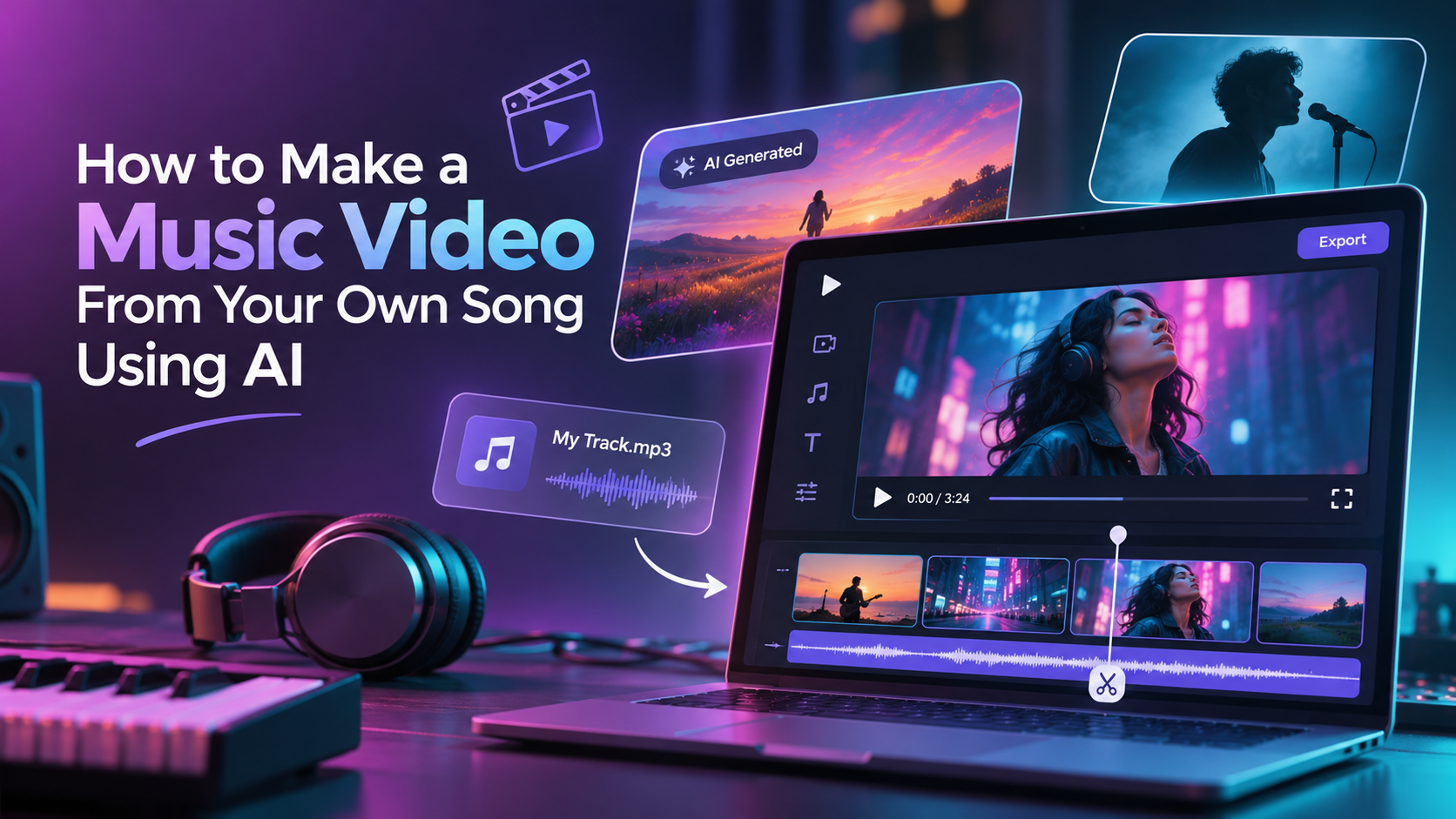
Creating a music video is an important part of presenting a song to an audience. It gives musicians an opportunity to express the emotions behind their music, build a visual identity, and make their releases more memorable. However, producing a music video traditionally involves several stages, including developing a concept, arranging shoots, finding locations, recording footage, and editing everything around the soundtrack.
For independent musicians, these requirements can make professional video production difficult to manage. Hiring a production crew or organizing a complete shoot may not always fit the available budget or release schedule.
AI is creating new possibilities for artists who want to turn their own music into videos. Creators can upload an original track, describe the visual style they have in mind, generate scenes, and arrange them around the song. They can also combine AI-generated footage with their own performance recordings, photographs, and existing video clips.
The result does not have to look like a completely AI-generated production. With the right creative direction and editing, musicians can develop videos that reflect their sound, personality, and artistic identity.
This guide explains how to make a music video from your own song using AI, from planning the visual concept to editing and preparing the final version for release.
Why Make a Music Video for Your Own Song?
A music video gives listeners another way to connect with a song. While audio communicates the melody, lyrics, and emotion, visuals can provide additional context through characters, locations, performances, and storytelling.
For independent artists, a music video can also become an important promotional asset. It gives them something to share alongside a single release, use in social media campaigns, and feature on their YouTube channel.
The visual approach can vary depending on the type of music. A singer-songwriter might prefer a simple performance video with close-up shots and natural lighting. An electronic music producer may choose abstract animations, futuristic environments, and faster visual transitions.
Creating a video for your own track also gives you greater creative freedom. You are not limited to existing footage or a production company’s interpretation of the song. You can experiment with different visual styles until you find something that represents the music accurately.
1. Start With Your Original Audio Track
The first step is preparing the song you want to turn into a video. Use the final audio version whenever possible, particularly if the track has already been mixed and mastered.
Listen to the complete song and understand its structure. Identify the introduction, verses, chorus, instrumental sections, and ending. Pay attention to changes in tempo, energy, and emotion because these elements will influence the visual presentation.
For example, a song might begin with a quiet piano introduction, gradually build through the first verse, and reach an energetic chorus. These changes create opportunities to introduce different scenes and adjust the visual pacing.
It is also worth considering the overall message of the song. If the lyrics describe a particular experience, relationship, or place, you can use those ideas to develop the visual concept.
2. Develop a Visual Concept That Represents Your Music
Once the audio is ready, decide how you want the music video to look. This is one of the most important creative decisions because the visuals should complement the song rather than compete with it.
Start by identifying the mood and atmosphere. Is the track romantic, energetic, nostalgic, emotional, mysterious, or experimental? Think about the locations, lighting, colors, and camera styles that could represent those feelings.
A few possible approaches include:
- Performance-based videos: Show the artist performing the song using wide shots, close-ups, and different camera angles.
- Narrative music videos: Develop a story around the song’s lyrics or central theme.
- Cinematic visuals: Use landscapes, city environments, lighting, and atmospheric scenes to represent the music.
- Abstract music videos: Combine animations, visual patterns, and experimental imagery for instrumental or electronic tracks.
You can also create a simple storyboard before generating footage. Divide the song into sections and decide what kind of visual should appear during each part. This helps maintain consistency when individual scenes are created separately.
3. Generate Visual Scenes Using AI
After deciding on the visual direction, start creating the footage. AI video generation tools allow creators to describe scenes using text prompts and generate video clips without recording every shot themselves.
A useful prompt should explain the setting, subject, lighting, camera movement, and atmosphere. Instead of writing something general like “a beautiful music video scene,” describe exactly what you want to see.
For example:
“A cinematic scene of a woman walking through a rain-soaked city at night, neon reflections on the streets, slow camera movement, deep blue lighting, and a nostalgic atmosphere.”
You can generate different scenes that follow the same visual direction while changing the characters, locations, and actions.
Creators can also use their own photographs, performance footage, and existing video clips alongside generated scenes. This combination is particularly useful for independent artists who want their actual identity and performances to remain part of the video.
When generating multiple scenes, pay attention to visual consistency. Similar lighting, color treatments, character appearances, and environments help make the finished video feel like one connected production.
4. Build the Music Video Around Your Song
Generating footage is only one part of the process. The scenes need to be arranged so that they follow the song’s progression.
Start with the introduction and decide which visuals establish the atmosphere. Use the verses to develop the story or introduce different locations. When the chorus begins, you can introduce performance shots, more dynamic scenes, or faster visual changes.
Instrumental sections can provide opportunities for wider shots, visual transitions, and supporting footage. The ending should also feel intentional, whether it returns to an earlier scene or introduces a final visual that completes the story.
Some AI-powered music video creation platforms make this process easier by allowing creators to upload their own tracks and describe how the visuals should develop. For instance, an AI music video maker can use a visual brief to generate scenes, combine them with uploaded performance footage, and arrange the sequence around the chosen track. With invideo’s music video maker, creators can specify locations, lighting, and visual references, then ask the AI agent to change the pace between sections and adjust individual shot lengths on an editable timeline.
This is useful when you want a quiet verse to remain on a longer shot and the chorus to move through several images more quickly. You can review the complete sequence and make adjustments instead of relying on automatic beat matching.
5. Combine Original Performance Footage With AI-Generated Scenes
A music video does not need to rely entirely on generated visuals. In fact, combining original recordings with AI-generated scenes can make the final production feel more personal.
If you have recorded yourself performing the song, include those shots throughout the video. Wide performance angles can establish the setting, while close-ups can highlight expressions and important moments.
You can use generated footage between these recordings to introduce visual variety. For example, an artist performing in a studio could be shown alongside generated city scenes, landscapes, or cinematic environments that reflect the song’s theme.
Photographs can also contribute to the visual story. Album artwork, behind-the-scenes pictures, and personal images can be incorporated into the sequence to give the video a stronger connection to the artist.
The important thing is to maintain a balance. Generated scenes should support the performance and storytelling rather than make the original artist feel disconnected from the video.
6. Refine the Sequence Through Timeline Editing
Once the scenes are arranged, review the entire music video and identify areas that need improvement. Some clips may remain on screen for too long, while others may introduce visual changes too abruptly.
This is where timeline editing becomes important. A flexible editing environment allows you to trim individual shots, change their order, adjust transitions, and refine the visual pacing.
For example, invideo editor provides a browser-based editing environment where creators can work with an editable multitrack timeline. They can arrange footage, adjust clip durations, refine transitions, and make manual changes to the generated sequence.
Review the video alongside the original track rather than judging the visuals independently. A scene that looks impressive on its own may not work well when placed against a particular musical section.
Also consider the opening and ending carefully. The first few seconds should establish the video’s visual identity, while the ending should give viewers a clear sense that the song and its visual story have reached a conclusion.
7. Keep the Original Track at the Centre of the Audio
When creating a video around your own song, the original track should remain the main audio element.
Additional sounds can support particular scenes, but they should not compete with the music. For example, subtle environmental sounds may help establish an outdoor setting, while a performance recording may include some natural studio ambience.
Check that unwanted audio from imported footage does not interfere with the original song. Adjusting the levels of supporting sounds helps maintain a consistent listening experience.
If the video includes spoken introductions or artist messages, make sure the music sits appropriately beneath the voice. These details can make promotional videos feel more complete without changing the original musical composition.
8. Create Different Versions for Music Promotion
Once the full music video is ready, consider preparing shorter versions for social media.
You do not need to create completely new footage for every platform. Select interesting sections of the song and use the existing scenes to produce shorter promotional videos.
For example, you could create a vertical teaser featuring the chorus for Instagram Reels and TikTok, a YouTube Short featuring an instrumental section, and a longer landscape version for the complete release.
Pay attention to framing when adapting the video. Important subjects should remain visible, and captions or text should not be cropped when changing aspect ratios.
These shorter versions can be shared before and after the full release to introduce the song to different audiences.
Common Mistakes to Avoid When Creating a Music Video
Even with AI assistance, a few production mistakes can affect the final result.
Generating scenes without a clear visual direction: Randomly combining attractive clips can make a video feel disconnected. Establish a concept and visual style before generating scenes.
Ignoring the song’s structure: The visuals should reflect changes in the music. Keeping the same shot duration throughout the track can make the video feel repetitive.
Overusing transitions and effects: Too many visual effects can distract from the artist and the music. Use them when they contribute to the intended atmosphere.
Losing visual consistency: Generated scenes may differ in lighting, character appearance, or environment. Review them together and make adjustments to create a more unified presentation.
Not reviewing the final video: Always watch the complete sequence with the original track before exporting. Check shot timing, transitions, framing, and audio levels.
Final Thoughts
Making a music video from your own song using AI gives independent musicians and creators more flexibility in how they present their music. You can start with an original audio track, develop a visual concept, generate supporting scenes, combine them with performance footage, and refine the result through editing.
AI can simplify scene creation and initial assembly, but the creative direction still comes from the artist. Understanding the music, choosing the right visuals, and shaping the sequence are what make a video feel connected to the original track.
By combining AI-generated footage with personal creative assets and careful timeline editing, you can turn your own song into a music video that reflects your artistic identity without requiring a full-scale production setup.
Frequently Asked Questions
1. Can I make a music video using my own song and AI?
Yes. AI music video tools allow you to upload your original audio track, describe the visual concept, and generate scenes around the music. You can also include your own photographs and performance recordings.
2. Do I need to record footage for an AI music video?
No. You can describe the scenes you want, including their setting, lighting, and visual style, and use AI-generated footage. However, adding original performance recordings can make the video more personal.
3. Can I create a music video from an MP3 file?
You can upload your own audio track to a compatible music video creation platform and build the visuals around it. Check the platform’s supported audio formats and file requirements before uploading.
4. How do I make AI-generated visuals match my song?
Start by identifying the song’s structure and mood. Generate scenes that reflect its verses, chorus, and instrumental sections, then adjust their duration and order on the editing timeline. Always review the video against the original audio.
5. Can I create a music video without a professional camera?
Yes. AI-generated scenes can provide much of the visual material needed for a music video. You can also use photographs, existing recordings, and other creative assets without organizing a traditional shoot.
6. Can I make shorter promotional videos from my full music video?
Yes. You can select specific sections of the song and choose the shots you want to retain, then create shorter versions for YouTube Shorts, Instagram Reels, and TikTok.
7. Can I edit an AI-generated music video after creating it?
Yes. Platforms with editable timelines allow creators to change shot lengths, rearrange clips, adjust transitions, and refine the visual sequence before exporting.

digitalmarketingbuddy
AuthorGrowth marketing lead and SEO strategist specializing in generative search algorithms and multi-channel attribution.